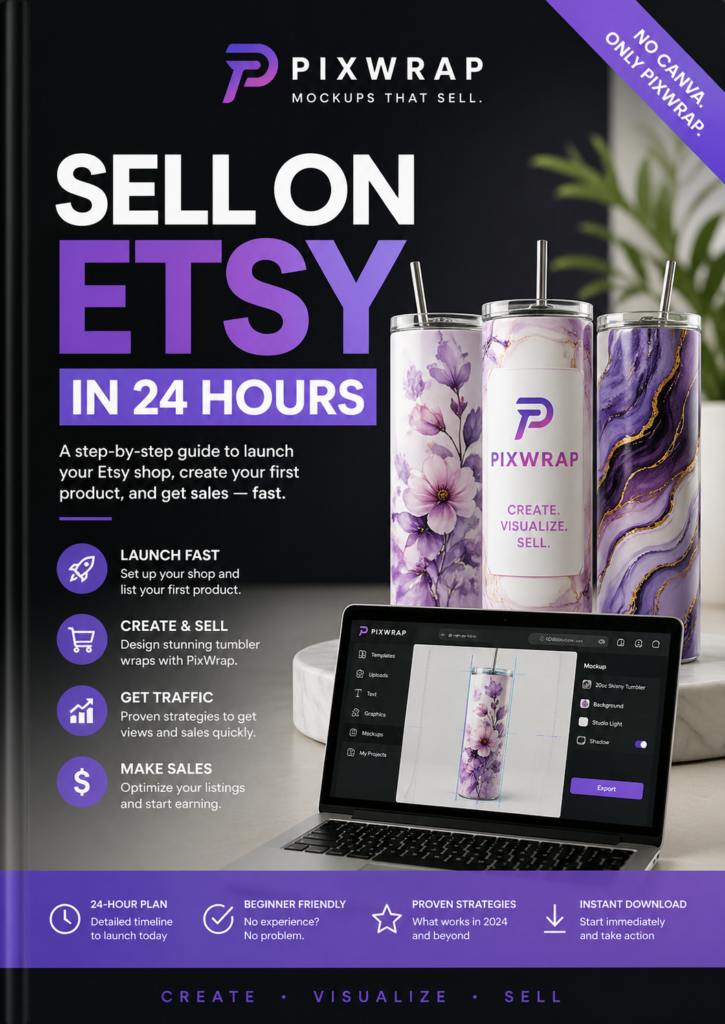
🤔 What is a Tumbler Wrap?
A tumbler wrap is a full-wrap digital design made to fit around a 20oz skinny tumbler. It lets you personalize tumblers with your own images, art, or branding for gifts, digital sales, or custom printing.
📷 How to Turn a Picture into a Tumbler Wrap – Step by Step
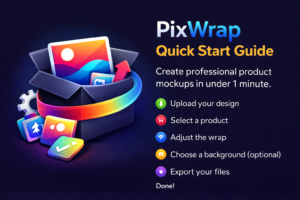
Step 1: Choose Your Picture
Pick a high-quality image – a photo, illustration, or your own artwork.
Step 2: Download and Install PixWrap (Windows)
Go to PixWrap page or download the PixWrap software. It’s a Windows-only desktop application designed to create tumbler and t-shirt mockups easily.
Step 3: Upload Your Image
Launch the program, drag and drop your picture into the wrap creator.
Step 4: Customize the Design
Adjust size, placement, and background using PixWrap’s simple controls.
Step 5: Export as PNG
Save your wrap as a high-resolution PNG, sized perfectly for 20oz sublimation.
✅ Why Use PixWrap Instead of Online Tools or Photoshop?
- Desktop speed and performance (no browser lag)
- Built for non-designers
- One-time payment – no subscriptions
- Designed specifically for wrap creators
- Works offline, on any Windows device
❓ Frequently Asked Questions
Q: Is PixWrap an online tool or a software?
A: PixWrap is a downloadable Windows application – not browser-based.
Q: Can I turn any image into a wrap?
A: Yes, as long as you own the rights to it or it’s license-free.
Q: Does PixWrap support mockups too?
A: Yes! You can create mockups for t-shirts, tumblers, and more.
🎨 Download PixWrap → PixWrapApp.com
Create a 20oz tumbler wrap from your image in under 1 minute – no Photoshop needed.