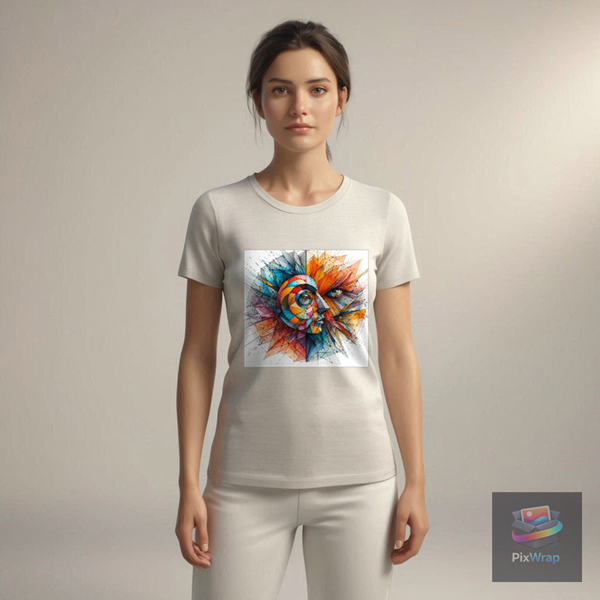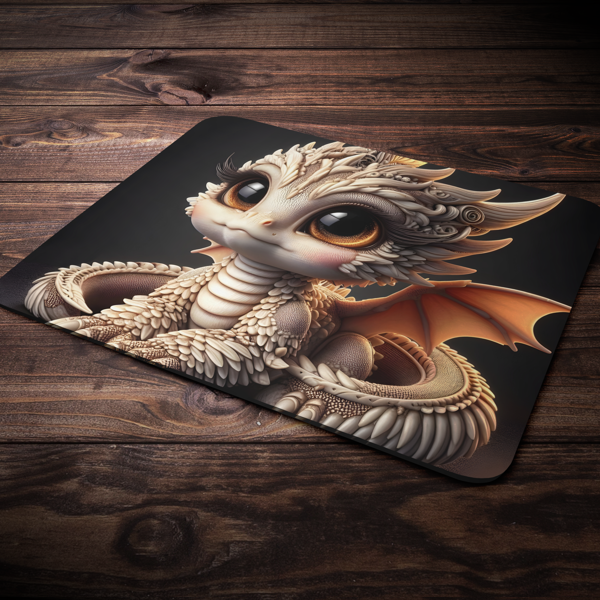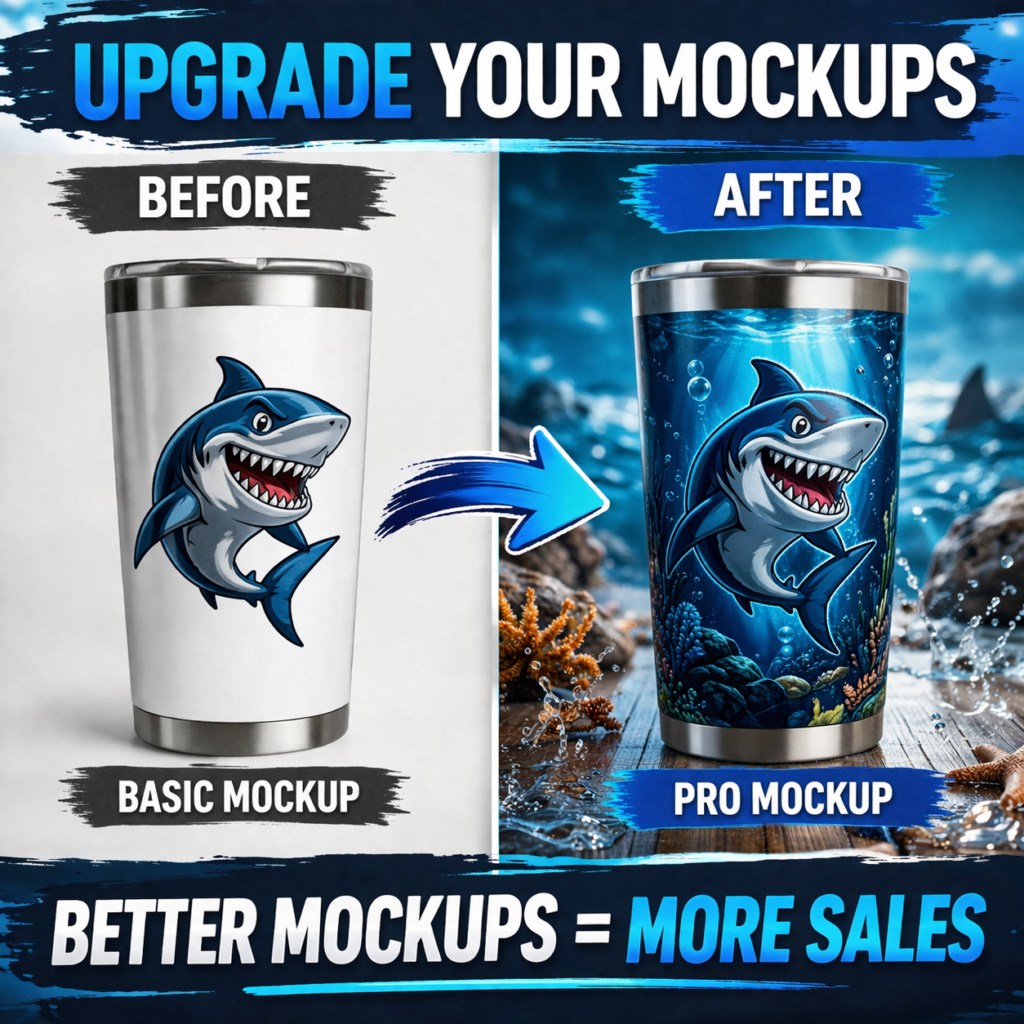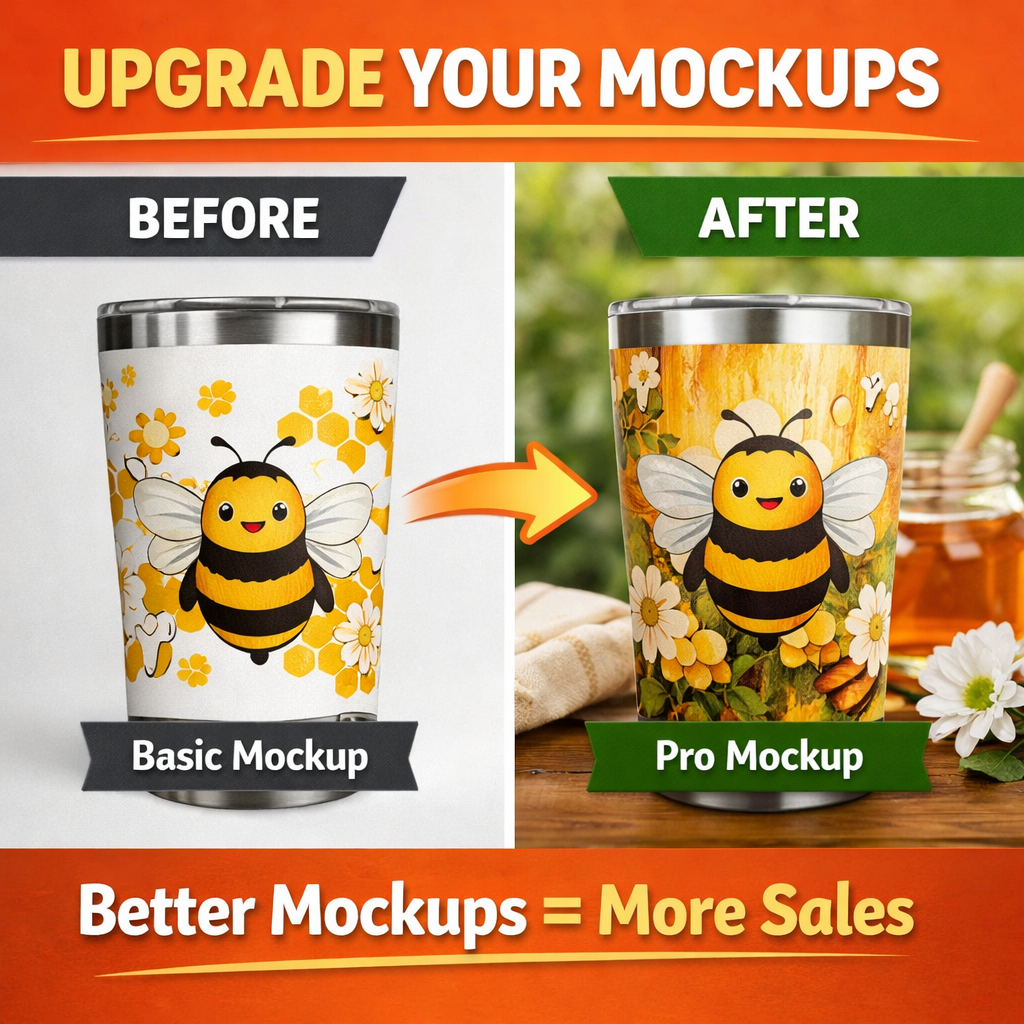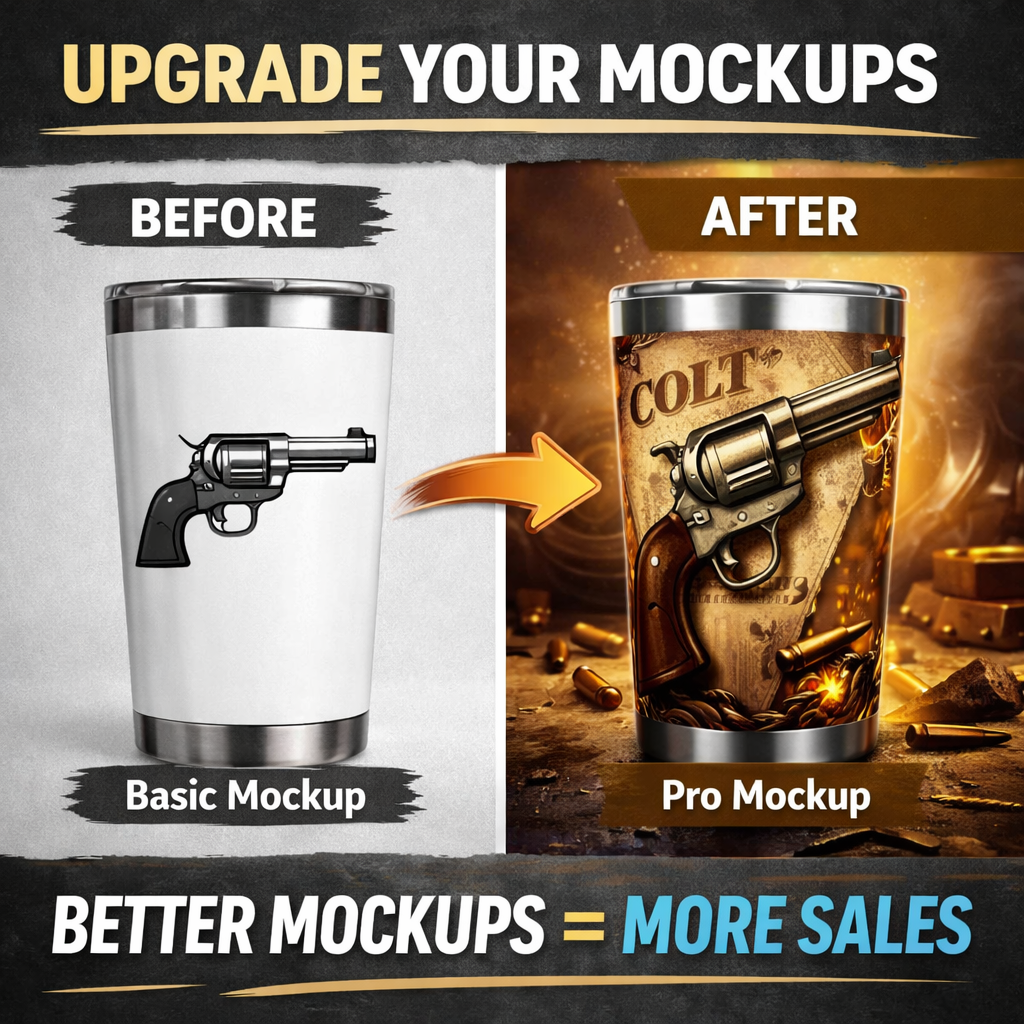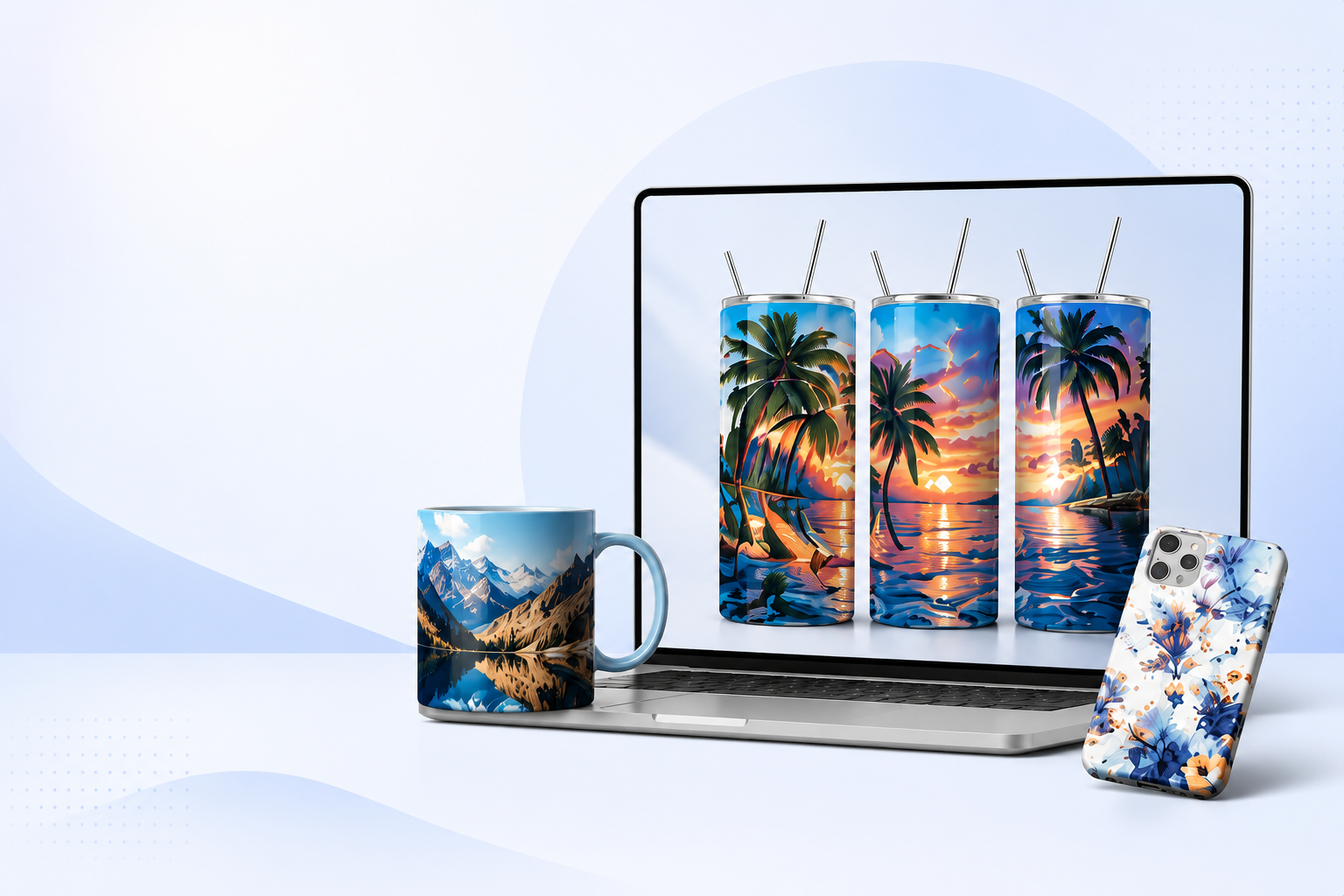
Pixwrap desktop mockup generator software, desktop wrap generator tool

DESIGN · WRAP · MOCKUP · 100% OFFLINE

  • ✅ Offline desktop app
  • ✅ No cloud, no tracking
  • ✅ Perfect for Etsy & print sellers
  • ✅ No Photoshop required

What is PixWrap ❓

PixWrap is an offline desktop application that helps creators place their designs onto realistic product mockups and export high-resolution wraps for printing or online selling.

It built for speed, simplicity, and full file control – everything happens locally on your computer.


⚙️ How PixWrap Works

number1

Upload your design (PNG or JPG)

number 2

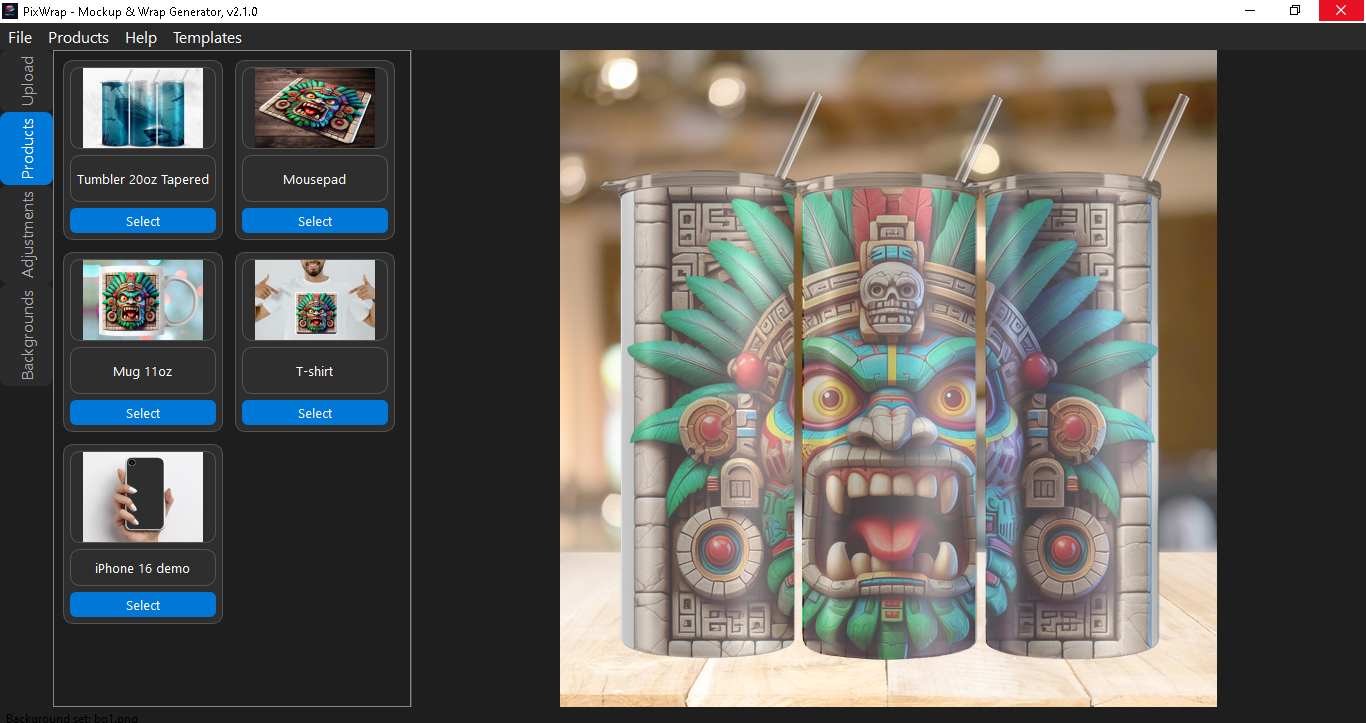
Choose product template

number 3

Choose background, adjust scale & position

number 4

Export mockup or print-ready wraps


Quick benefits :

  • Save hours creating mockups
  • No distortion – smart scaling
  • Export in high resolution (300 DPI)
  • Works fully offline

⚙️ Powerful Features Built for Creators

picture

Upload Your Design

Upload any image (PNG / JPG) and instantly place it onto a product mockup.

box

Product Templates

Each product comes with its own masks, mockups, backgrounds, and export rules.

brain

Smart Masking

Inner masks ensure your design fits naturally on curved or realistic surfaces.

Precise Control

Fine-tune scale, X/Y position, and perspective for perfect placement.

print

High-Resolution Export

Export print-ready wraps at 300 DPI or clean mockups for online stores.

off

Fully Offline

No cloud. No tracking. No uploads. Everything stays on your computer..


Why Creators Choose PixWrap

  • ⏱ Save Time

    Create professional mockups in minutes instead of hours in Photoshop.

  • 🔒 Full Privacy

    Your designs never leave your computer — perfect for client work and commercial use..

  • 💰 Sell More

    Clean, realistic mockups help your listings stand out and convert better.

  • 🎨 No Design Skills Needed

    No layers, no smart objects, no learning curve.

  • 🧩 Built for Scaling

    Add new product templates anytime — your workflow grows with you.


100% Offline. 100% Yours.

No Cloud. No Uploads. No Limits.

PixWrap works entirely offline. Your designs, client files, and product ideas never leave your computer.

Why Offline Matters

  • No subscription lock-in
  • No internet required
  • No file size limits
  • No data collection

Perfect for:

  • Anyone who values privacy and speed
  • Etsy & Shopify sellers
  • Print-on-demand creators
  • Agencies working with client designs

PixWrap vs Online Mockup Tools

FeaturePixWrapOnline Tools
Works Offline✅ Yes❌ No
Upload Limits❌ None⚠️ Limited
Monthly Subscription❌ No✅ Yes
Privacy & Control✅ Full❌ Limited
Product-Specific Masks✅ Yes❌ Generic
Print-Ready Wrap Export✅ Yes❌ Rare

Stop depending on cloud tools.
Start creating mockups your way.


Free App. Paid Templates. Simple.

PixWrap is free to download and use.
You only pay for the templates you actually need.

How It Works

  1. Download PixWrap (free)
  2. Choose a product template
  3. Create professional mockups offline
  4. Export & sell your designs

💸 Template Pricing

Buy Only What You Need

  • Most templates cost €1
  • One-time payment
  • No subscriptions
  • Lifetime use

📦 Template Types

  • Tumbler Wraps (20oz, 30oz)
  • Mug Mockups
  • T-Shirt Mockups
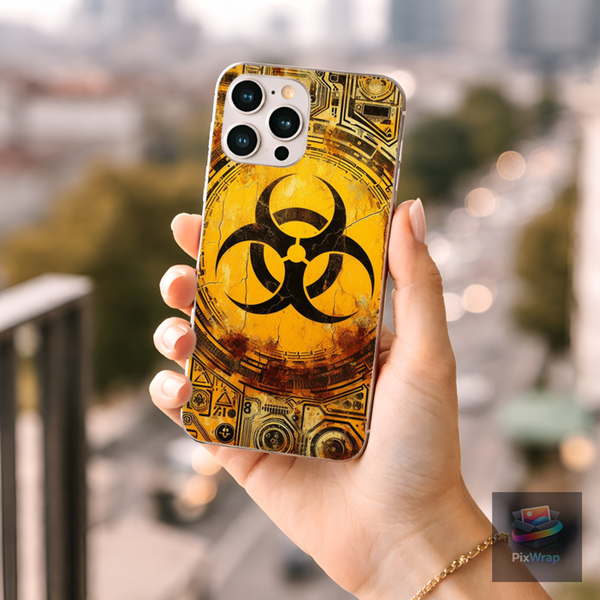
  • Phone Case Wraps
  • Sticker Sheets
  • Banners & Posters
  • More coming soon…

🎯 Why Templates Are Paid

Each PixWrap template includes:

  • Export-ready wrap sizes
  • Product-specific mockups
  • Precision inner & outer masks
  • Correct print dimensions
  • Realistic perspective
  • More coming soon…

Start free. Scale when you’re ready.

Download PixWrap
Browse Templates


👥 WHO PIXWRAP IS FOR

Designed for creators who sell visuals

PixWrap is built for people who need fast, realistic mockups without complex software or subscriptions.

🛍️ Etsy & Marketplace Sellers

Create professional mockups that increase click-through and sales.

  • Tumbler, mug, apparel mockups
  • Perfect for Etsy, Shopify, WooCommerce
  • Stand out in crowded listings

🎨 Print-on-Demand Creators

Visualize your designs before uploading to POD platforms.

  • Exact wrap dimensions
  • Print-ready exports
  • No guesswork, no stretching

📱 Social Media & Ads Creators

Create scroll-stopping visuals for ads and posts.

  • Instagram, Facebook, Pinterest
  • Product launches & promos
  • Clean, realistic product visuals

🧑‍💻 Small Agencies & Freelancers

Save time when creating client previews.

  • Fast mockups
  • Consistent results
  • Offline workflow

🚀 Beginners & Non-Designers

No Photoshop. No learning curve.

  • Simple sliders
  • Upload → adjust → export
  • Works offline


⚡ HOW PIXWRAP WORKS

Create a professional mockup in under 60 seconds

1️⃣ Upload Your Design

Upload your wrap, artwork, or image.

  • Any resolution
  • Any aspect ratio
  • PNG or JPG

2️⃣ Choose a Product Template

Select a product like:

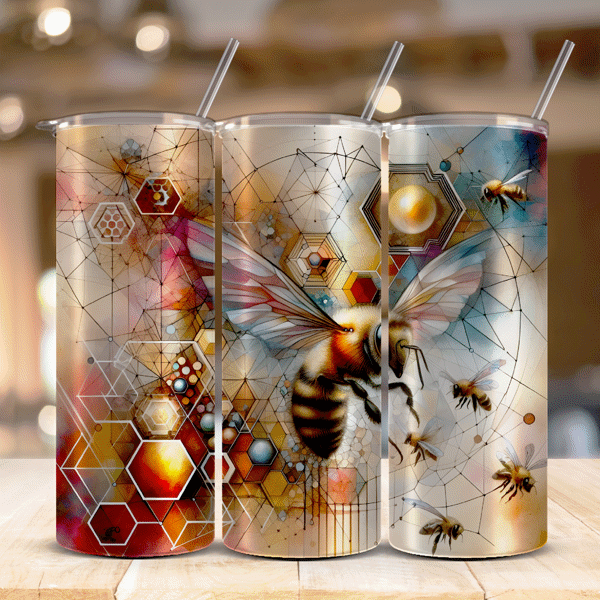
  • Tumbler 20oz
  • Mug
  • T-Shirt
  • Mousepad

Each template comes with:

  • Correct dimensions
  • Realistic mockup
  • Print-safe layout

3️⃣ Adjust with Simple Controls

Fine-tune your design visually:

  • Scale slider
  • X / Y position sliders
  • Opacity control
  • Background selection

4️⃣ Export & Use Anywhere

Export ready-to-use visuals:

  • Mockups for listings & ads
  • Print-ready wraps (300 DPI)
  • High-quality PNG or JPG

🎯 That’s it.

From upload to export — less than one minute.

“Try it now with a free template”


🚀 FEATURES & BENEFITS

Everything you need. Nothing you don’t.

PixWrap is built for creators who want speed, realism, and control — without complexity.

🧩 Core Features

palete
  • Live preview
  • Scale & position sliders
  • Opacity control
  • Background selection

No guesswork. Your exported mockup looks exactly like the preview.

box
  • Tumblers
  • Mugs
  • T-Shirts
  • Mousepads
  • More coming

Perfect proportions and print-safe layouts every time.

picture
  • Square
  • Vertical
  • Horizontal
  • High or low resolution

No distortion. No manual resizing. No Photoshop.

  • Product-specific
  • One-click change
  • Optional (use none if needed)

Create marketplace-ready images instantly..

print
  • High resolution
  • 300 DPI
  • Exact wrap dimensions

Ready for printing or POD suppliers.

  • No cloud
  • No uploads
  • No tracking

Your designs stay private and load instantly.

  • Free app
  • Buy templates individually (€1 each)

Low risk. Pay only when you actually need a product.
🎯 Who PixWrap Is For

  • Etsy sellers
  • POD creators
  • Small brands
  • Designers who hate mockups 😄

Start free. Add templates when you’re ready.

👉 Download PixWrap


💰 PRICING & TEMPLATE MARKETPLACE

Simple pricing. No subscriptions.

PixWrap is free to use.
You only pay for the templates you actually need.

PixWrap App
0$
Price: Free
No account required. No subscription.
Full editor access
Upload your own designs
Live mockup preview
Export mockups
GET FREE
Product Templates
1$
€1 per template
Buy once. Use forever.
Product mockup
Print-ready wrap size
Masks & perspective
High resolution assets
TO SHOP

🛍️ Build Your Own Collection

You don’t need everything.

  • Only tumblers? Buy tumbler templates.
  • Adding mugs later? Buy when ready.
  • No unused features.

Pay as you grow.

🔐 Secure & Offline

Templates are installed locally.

  • No cloud storage
  • No monthly fees
  • Works fully offline

📦 Template Store

New templates added regularly.

  • Seasonal products
  • Trending items
  • Limited editions

Check back anytime.


🚀 Get Started Free

Download PixWrap and create your first mockup today.

👉 Download PixWrap


🔒 TRUST & PROOF

Designed for creators who value control.

PixWrap is built with a single goal:
give you full control over your mockups and designs.

🔐 100% Offline Software

Your files never leave your computer.

  • No uploads
  • No cloud storage
  • No tracking

Your designs stay private.

🧠 Built by a Creator, for Creators

PixWrap was created to solve real problems:

  • Slow mockup tools
  • Monthly subscriptions
  • Overcomplicated editors

No bloat. No distractions.

🖨️ Print-Ready Accuracy

Templates are based on real production dimensions.

  • Correct proportions
  • High resolution
  • 300 DPI exports

What you export is ready for print or POD services.

💬 Transparent & Fair Pricing

  • Free application
  • No hidden costs
  • Pay only for templates you need

No subscriptions. Ever.

🛠️ Actively Improved

PixWrap is under active development.

  • New products added regularly
  • Feedback-driven improvements
  • Community-focused roadmap

🧾 Clear License Terms

  • Personal & commercial use allowed
  • Unlimited exports
  • No watermark in full templates

⭐ Early Users Love the Simplicity

(More testimonials coming soon.)


🚀 Ready to Try PixWrap?

Start free. Upgrade only if you want more templates.

👉 Download PixWrap


❓ FAQ

Frequently Asked Questions

Is PixWrap really free?

Yes.
PixWrap is free to download and use. You only pay if you choose to buy additional product templates.

Is this a subscription?

No subscriptions.
You buy templates once and use them forever.

What can I use PixWrap for?

  • Product mockups
  • Etsy listings
  • POD previews
  • Marketing images
  • Print-ready wraps

Both personal and commercial use are allowed.

Can I upload my own designs?

Yes.
You can upload any image (PNG, JPG) and adjust scale, position, opacity, and background.

Will my images be distorted?

No.
PixWrap preserves original proportions and adapts your design to the product layout.

Are the exports print-ready?

Yes.
Templates are designed with:

  • Correct dimensions
  • High resolution
  • 300 DPI output

Can I remove the background?

Yes.
Backgrounds are optional. You can use:

  • Built-in backgrounds
  • No background at all
  • Custom compositions

Do you add watermarks?

  • Free app: no watermark on mockups
  • Purchased templates: clean exports
  • Demo templates may include a demo label

Can I get a refund?

No refunds on digital products.
Please download the free app and test it before purchasing templates.

Will you add more products?

Yes.
New templates are added regularly based on demand and trends.

🚀 Still Have Questions?

Try PixWrap for free and see how it fits your workflow.