If you’ve been exploring mockup tools, you’ve probably come across Smartmockups. It’s an online mockup platform that integrates with Canva and offers a wide library of templates. While Smartmockups is a strong player in the space, it shares the same limitations as other web-based platforms: reliance on the internet, recurring subscription costs, and limited performance.
That’s why many creators are turning to PixWrap, a desktop mockup generator that works offline, runs faster, and comes with a one-time payment option. In this article, we’ll compare PixWrap and Smartmockups to help you decide which solution is right for your workflow.
1. Smartmockups Overview
Smartmockups is known for its:
- Template library – wide range of device, apparel, and print mockups.
- Canva integration – smooth for users who already design in Canva.
- Cloud-based workflow – works online, accessible anywhere.
But here are its main limitations:
- Subscription costs – ongoing monthly or annual payments.
- Internet dependency – you cannot create mockups offline.
- Performance bottlenecks – rendering depends on server and connection speed.
- Customization limits – less control compared to offline software.
2. Why PixWrap is a Stronger Smartmockups Alternative
✅ Works Offline, Anytime
PixWrap is installed directly on your computer. That means you can create mockups without an internet connection – perfect for creators who want freedom and uninterrupted work.
✅ No Payment, No Subscriptions
Instead of a recurring subscription, PixWrap offers a free appliction . For small businesses and Etsy sellers, this is a big money-saver compared to Smartmockups.
✅ Faster Mockup Rendering
Since PixWrap runs locally, it doesn’t depend on cloud servers. Exporting and editing is much quicker than waiting for online tools to load.
✅ Product-Specific Focus
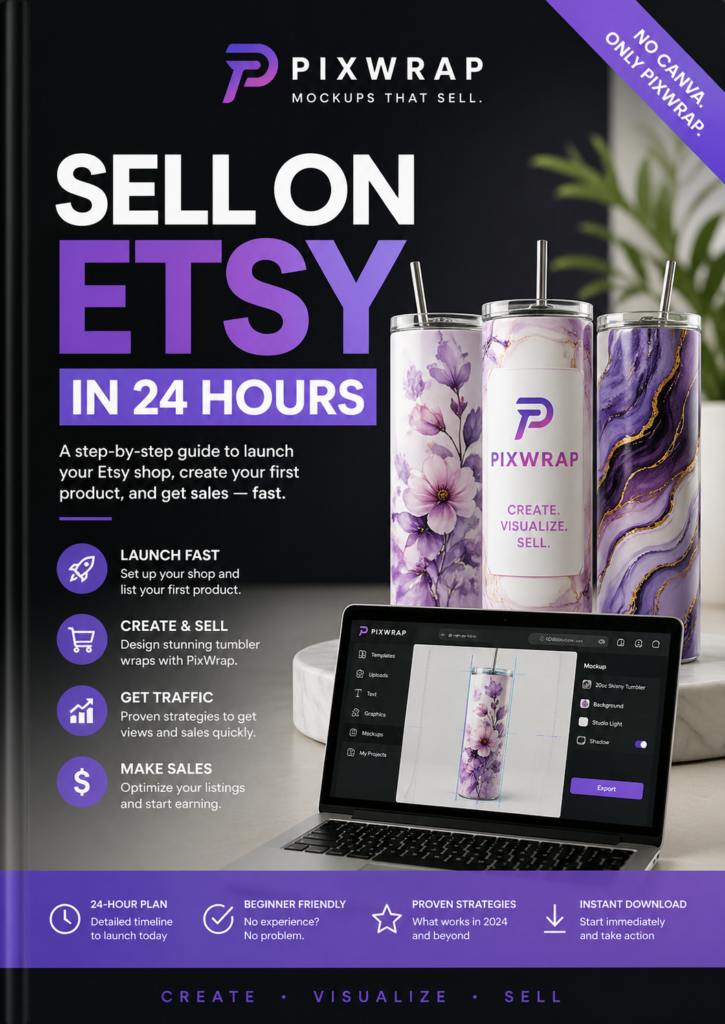
PixWrap specializes in tumbler mockups, t-shirt mockups, mug mockups, and wraps, tailored for e-commerce sellers who need product images that convert.
✅ More Flexibility
Unlike Smartmockups’ pre-set templates, PixWrap gives creators greater customization options and direct control over their designs.
3. PixWrap vs Smartmockups: Side-by-Side Comparison
| Feature | Smartmockups | PixWrap |
|---|---|---|
| Platform | Web-based | Desktop (Windows) |
| Internet Needed | Yes | No |
| Pricing | Subscription (monthly/yearly) | Free |
| Free Trial | Limited | Free |
| Mockup Focus | Devices, apparel, print | Tumblers, mugs, t-shirts, wraps |
| Performance | Dependent on server & connection | Fast, runs locally |
| Customization | Template-restricted | Flexible and creator-focused |
4. Who Benefits Most from PixWrap?
PixWrap is perfect for:
- Etsy sellers & POD creators who need fast, repeatable product previews.
- Small businesses looking for cost-effective tools without subscriptions.
- Freelance designers who prefer full control over their mockups.
- Offline workers who want to create without internet limitations.
5. Final Verdict: PixWrap as the Smarter Smartmockups Alternative
Smartmockups is convenient for casual users, but its subscription fees and internet dependency make it less ideal for serious creators. PixWrap provides a better solution: a desktop mockup generator that’s fast, affordable, works offline, and is built for sellers who need high-quality mockups without ongoing costs.
Offline Smartmockups alternative
👉 Try it today: Download the PixWrap Free and see why creators are choosing PixWrap as the best Smartmockups alternative.