
Why Phone Mockups Matter
Phone mockups help transform simple designs into professional product visuals. Instead of presenting a flat graphic, a realistic mockup makes your work feel like a finished product.
They are commonly used for:
- mobile app previews
- website design presentations
- Etsy digital listings
- social media visuals
Using realistic mockups can also increase perceived value, helping improve click-through rates and conversions.
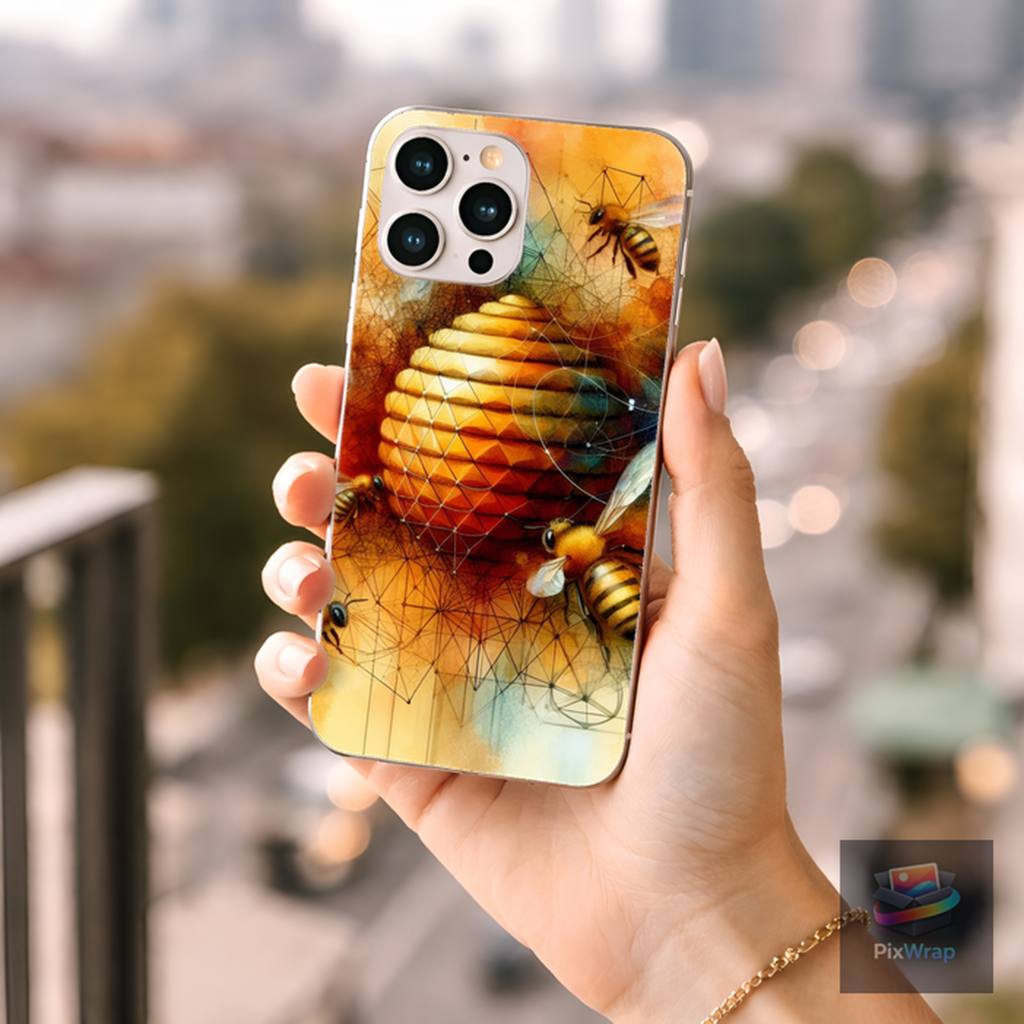
How to Create a Phone Mockup with PixWrap
Creating a phone mockup with PixWrap is simple and fast:
1. Upload your design
Import your artwork, UI design, or product image.
2. Apply it to a phone mockup
PixWrap automatically places your design onto the phone surface with realistic perspective.
3. Export your mockup
Download a high-resolution image ready for Etsy, websites, or social media.
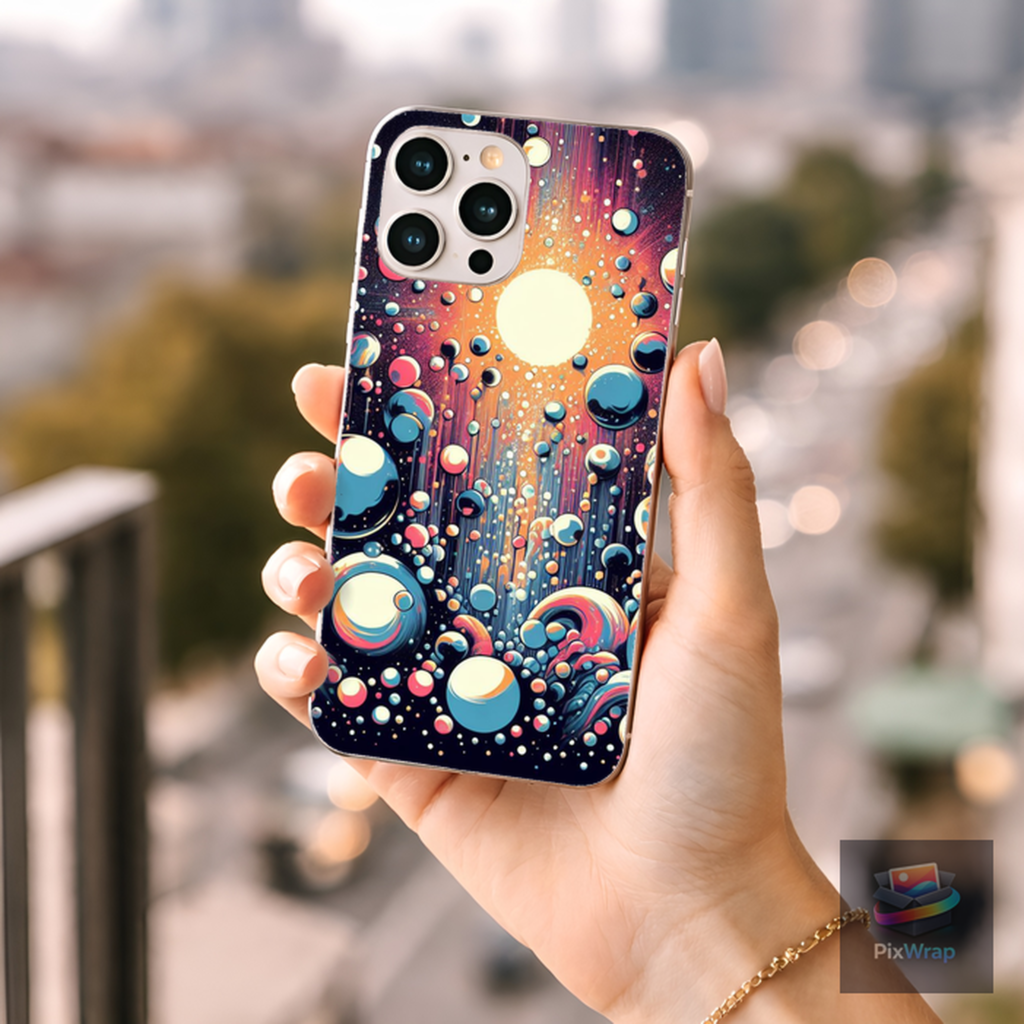
Types of Phone Mockups You Can Create
With PixWrap, you can create different styles of phone mockups depending on your needs:
- minimal phone mockups with clean backgrounds
- lifestyle mockups with real-world environments
- blurred background phone mockups
- flat lay phone mockups
If you are interested in top-down product visuals, check out
👉 flat lay mockups
Where to Use Phone Mockups
Phone mockups are widely used across different platforms:
- Etsy product listings
- digital product marketplaces
- portfolio presentations
- social media marketing
- website product pages
They help present your designs in a way that feels real and ready for customers.
Create Phone Mockups with PixWrap
PixWrap is a desktop mockup generator built for creators who want speed and simplicity. You can create realistic phone mockups without complex design tools or online platforms.
Browse our
👉 phone mockups collection
or download PixWrap to start creating your own product visuals.
Start Creating Phone Mockups Today Download PixWrap and turn your designs into professional product images in seconds.
[ Download PixWrap ]