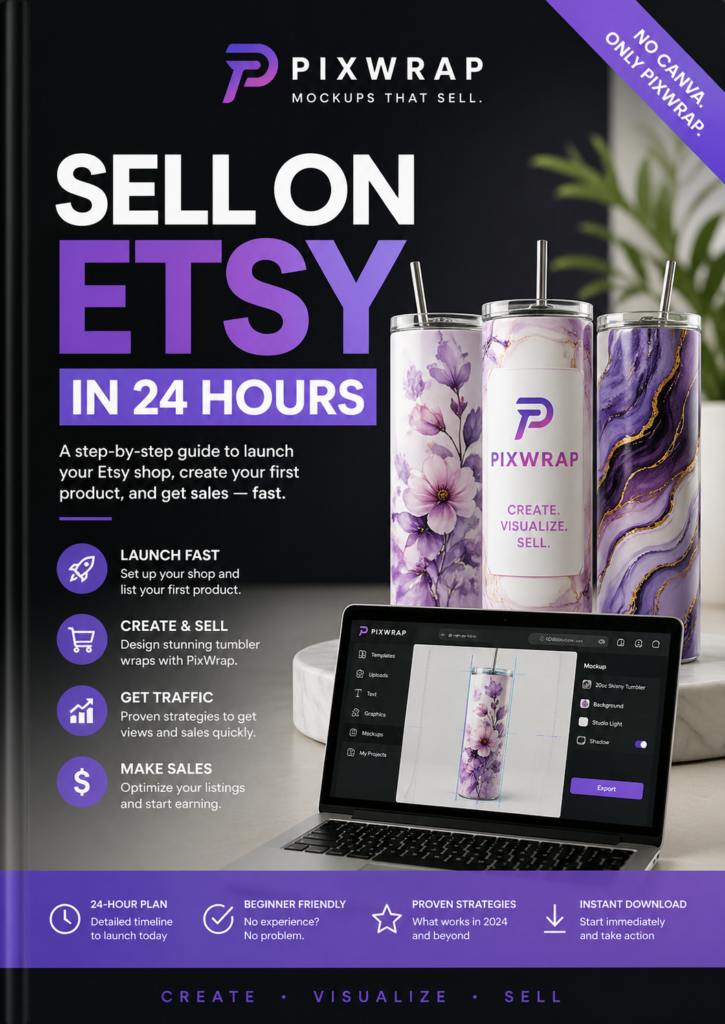
Designing for a straight cylinder is easy, but wrapping a flat graphic around a tapered 20oz tumbler introduces complex geometric distortion [3]. If you apply a standard rectangular design to a cone-shaped cup, the top will stretch, the bottom will compress, and horizontal lines will unnaturally curve [3].
To fix this distortion without expensive software subscriptions, you need a smart, localized workflow.
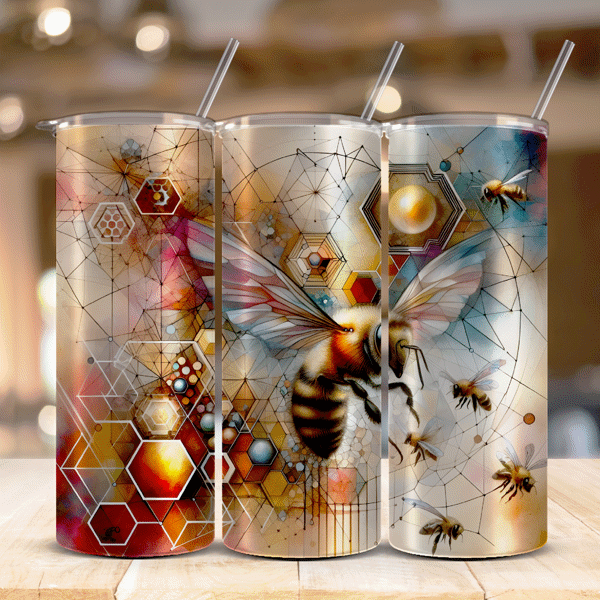
The Challenge: Tapered Geometric Distortion
When manufacturing tapered tumblers, your flat graphic canvas must be curved into an arc to fit the physical product [3]. Standard web mockup generators do not account for this taper, resulting in misaligned seams and warped text on your final printed product [3].
Using PixWrap, you can view and test these complex proportions directly on your PC hardware for free, keeping your proprietary patterns 100% private.
3 Steps to Perfect Tapered Tumbler Adjustments
[ Measure Top & Bottom ] ──> [ Warp Design into an Arc ] ──> [ Preview 3D Fit in PixWrap ]
Step 1: Measure Your Physical Inventory
Tapered tumblers vary by manufacturer. Use a flexible measuring tape to find three critical metrics:
- The circumference around the top rim.
- The circumference around the bottom base.
- The exact vertical height of the cup.
Step 2: Warp the 2D Graphic
Before rendering your mockup, use a 2D design tool (like Silhouette Studio or a free arc warp filter) to bend your rectangular pattern into a smooth arc based on your measurements.
Step 3: Verify the 3D Fit Locally
Launch the PixWrap desktop application on your Windows PC:
- Drag and drop your warped PNG file into the workspace canvas.
- Select the tapered drinkware template model from the sidebar directory.
- Use the real-time scale and positioning sliders to ensure the left and right borders meet seamlessly along the back seam without overlapping.
- Export a crisp, 300 DPI watermark-free image for your Etsy or Shopify listing.
Get Started for Free
Never print a sublimation sheet without testing the 3D dimensions first. Download the free desktop engine directly from the official PixWrap website to eliminate printing errors and create realistic product previews without monthly subscription fees.