Phone mockups are one of the most effective ways to present mobile designs, apps, and digital products. Instead of showing a flat image, a realistic phone mockup helps customers immediately understand how your design will look on a real device.
With PixWrap, you can create high-quality phone mockups in seconds using a simple desktop workflow. No Photoshop skills are required, and your designs stay private because everything works locally on your computer.
If you want a quick overview of available phone mockup templates, visit our phone mockups collection.
Why Phone Mockups Are Important for Online Sellers
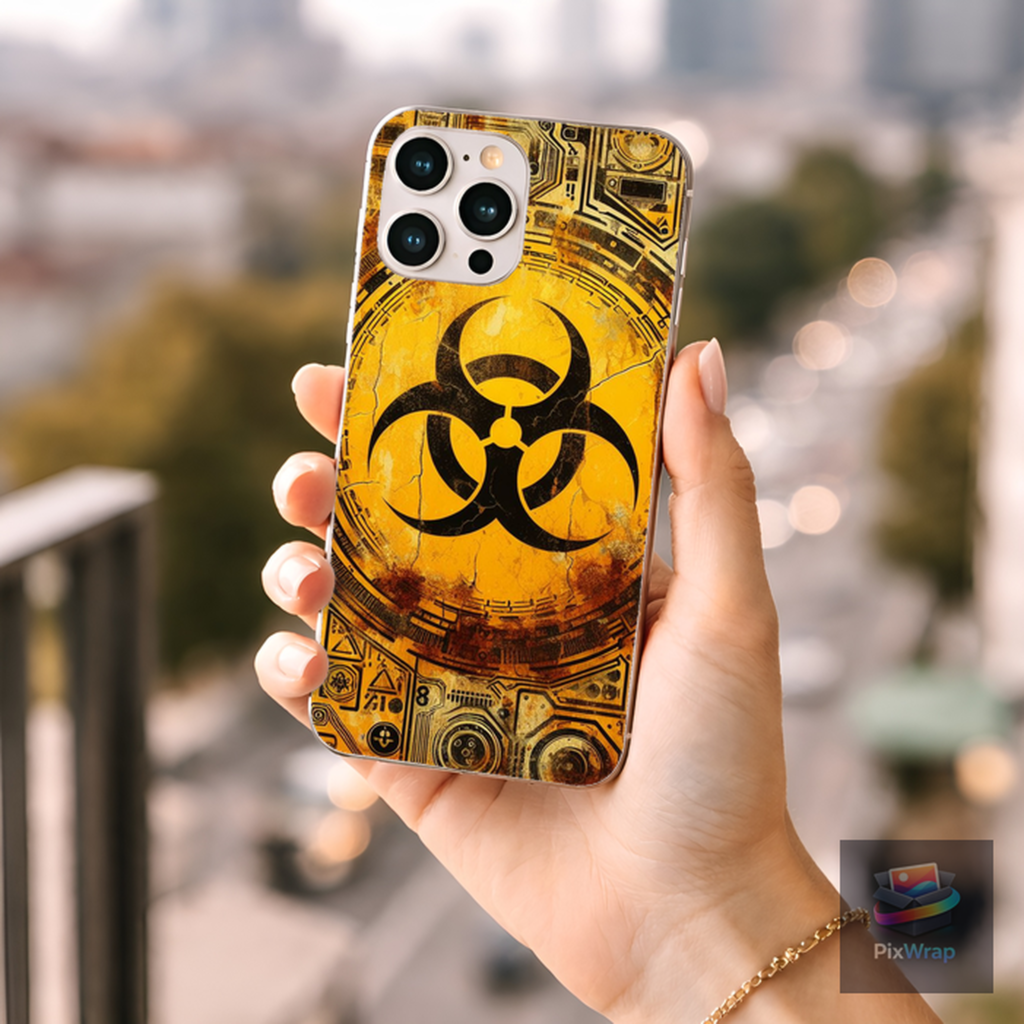
Phone mockups help present digital products and mobile designs in a realistic environment. Instead of showing a plain graphic, a mockup makes the design feel like a finished product.
They are commonly used for:
- mobile app previews
- website design presentations
- Etsy digital listings
- social media marketing visuals
Realistic mockups also increase perceived product value, which can improve click-through rates and conversions.
How to Create a Phone Mockup with PixWrap
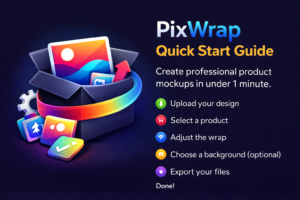
- Upload your design – Import your artwork, app screenshot, or product image.
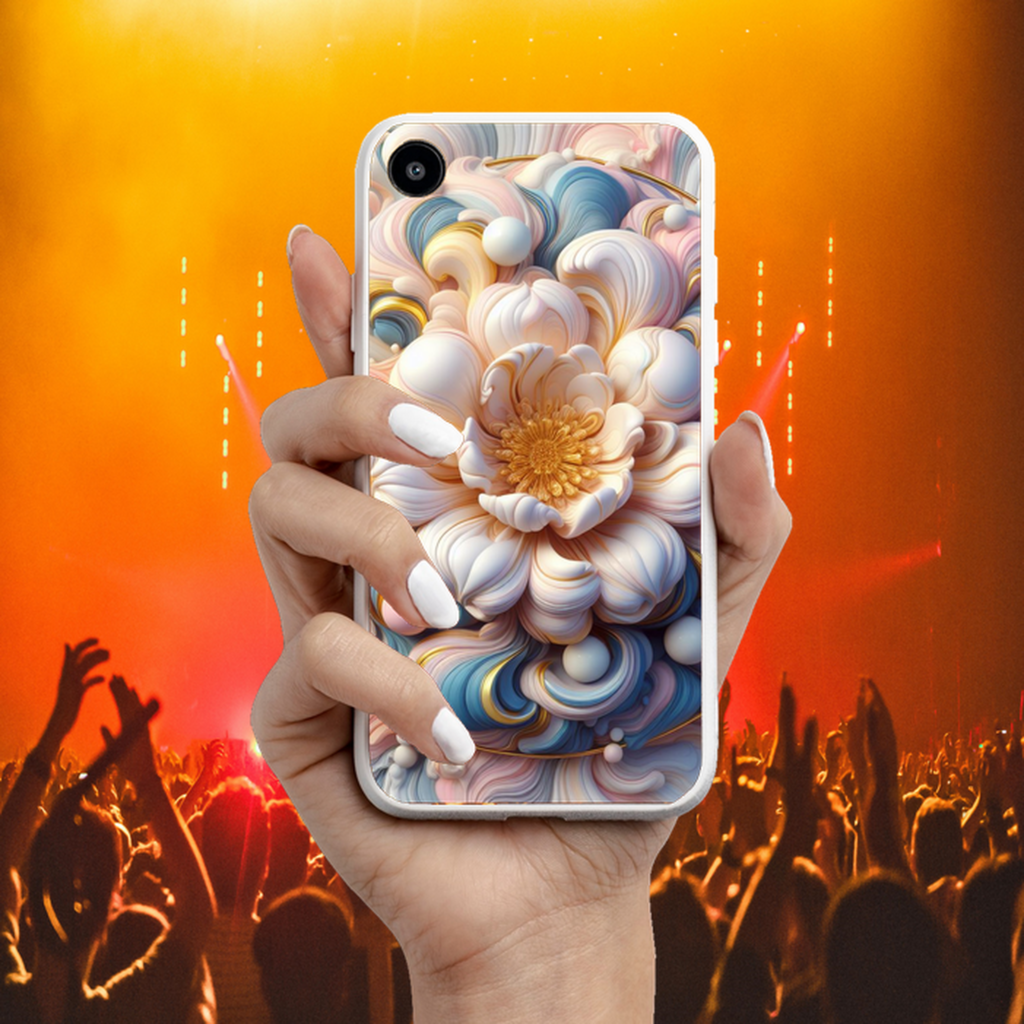
- Apply the design to a phone mockup – PixWrap automatically places the image onto the phone surface with realistic perspective.
- Export a high-resolution mockup – Download a ready-to-use image for Etsy listings, product pages, or social media.
Types of Phone Mockups You Can Create
Examples:
- smartphone mockups with blurred backgrounds
- minimal studio phone mockups
- lifestyle phone mockups
- flat lay phone mockups
Where Phone Mockups Are Commonly Used
Phone mockups are widely used for:
- app promotion pages
- digital product listings
- Etsy shops
- portfolio presentations
- online store product images
Create Phone Mockups with PixWrap
PixWrap makes it easy to generate realistic phone mockups directly on your computer. The desktop software allows creators to quickly turn designs into professional product visuals without relying on complex design tools.
Explore our collection of phone mockups or download PixWrap to start creating your own product images.