Why You Don’t Need Photoshop for Tumbler Wraps
Photoshop is a powerful design tool, but it’s not always beginner-friendly. Many print-on-demand sellers, Etsy shop owners, and small business owners prefer simpler and more affordable tools.
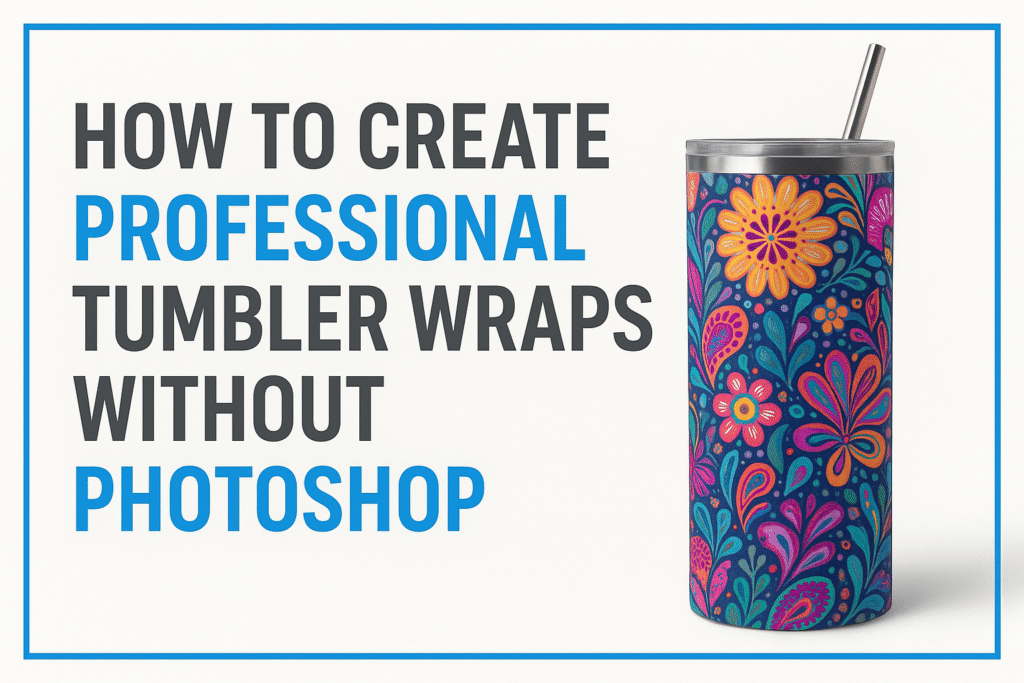
Benefits of skipping Photoshop:
- Lower cost (no subscription fees)
- Faster learning curve
- Accessible from any device
- Ready-to-use templates
Tools That Make Wrap Design Easy
Popular Photoshop Alternatives for Wrap Design:
- PixWrap – AI-powered wrap and mockup generator (no design skills needed).
- Canva – Web-based design tool with templates.
- Figma – Great for layout and precise adjustments.
Step-by-Step Guide to Creating a Tumbler Wrap Without Photoshop
- Choose your template size – Most tumblers use 20oz straight or tapered dimensions.
- Upload your graphics – Use patterns, images, or your own art.
- Adjust colors and layout – Align elements for a perfect fit.
- Export in high resolution – Ensure 300 DPI for printing.
- Test on a mockup – Check alignment before selling.
Common Mistakes to Avoid
- Using low-resolution images (causes blurry prints)
- Forgetting to add bleed margins
- Overcomplicated designs that look messy
- Ignoring color profile settings
Final Thoughts
Creating tumbler wraps without Photoshop is easier than ever. With tools like PixWrap, you can save time, cut costs, and still deliver high-quality designs that sell.